Lesson 21 of 23
SVG, DXF and pieces for a CNC or laser
Export the lead lines or every piece on its own for a cutting machine, a laser or another program.
1 of 3
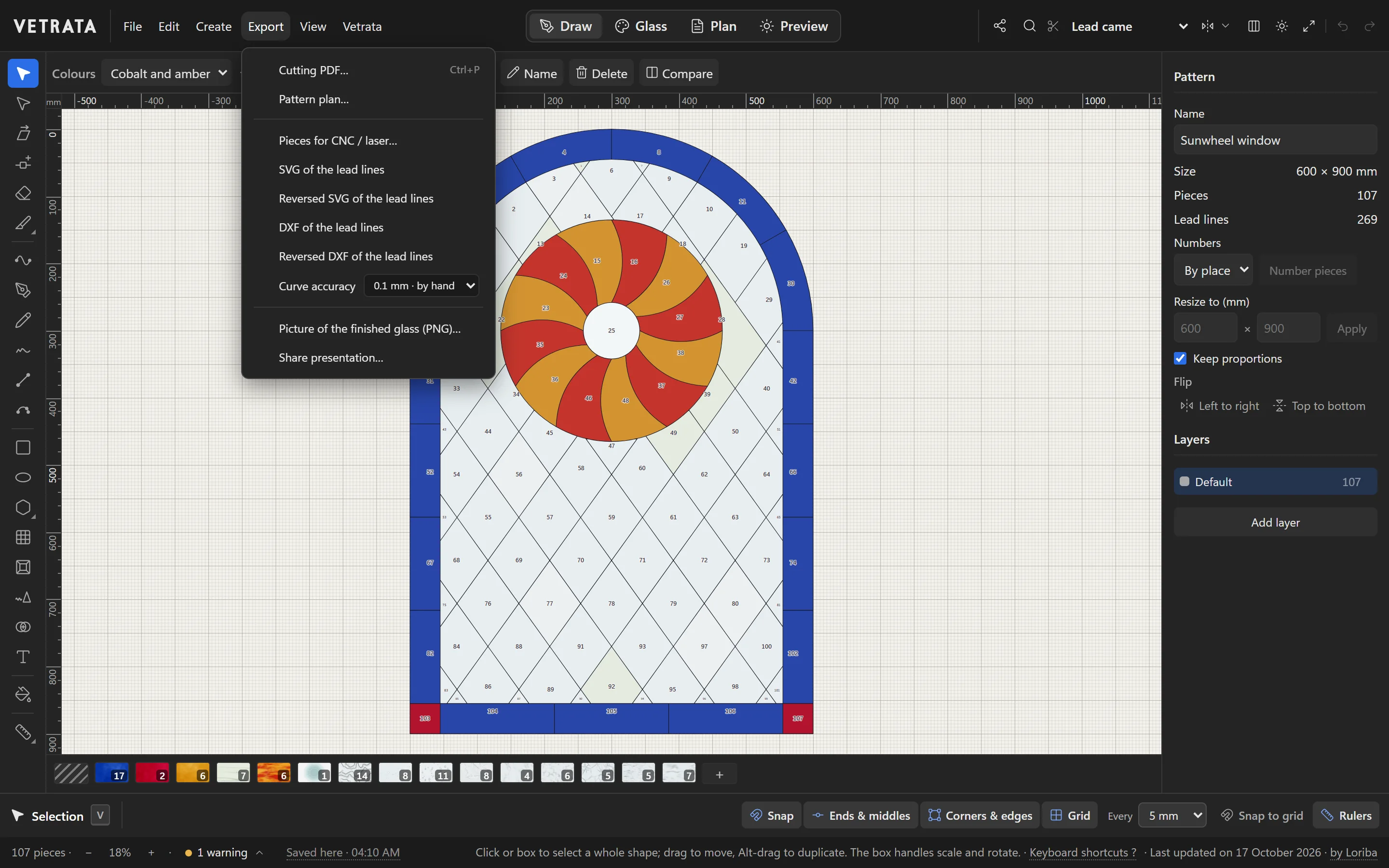
The lead lines
SVG of the lead lines and DXF of the lead lines export the pattern's lines at full size, for another drawing program or a plotter.
The Export menu makes every file that leaves the Studio: what you print, what you share, and what a machine cuts.
-
1
The lead lines
SVG of the lead lines and DXF of the lead lines export the pattern's lines at full size, for another drawing program or a plotter. The reversed versions are turned over for foil work.
-
2
Pieces for a machine
Pieces for CNC / laser… exports every piece on its own, laid out apart, as SVG or DXF.
The pieces' outlines are hairlines, the way laser software expects to find a cut.
-
3
Pictures and plans
Picture of the finished glass (PNG)… saves the panel as an image, and Pattern plan… and Cutting PDF… make the printed sheets.
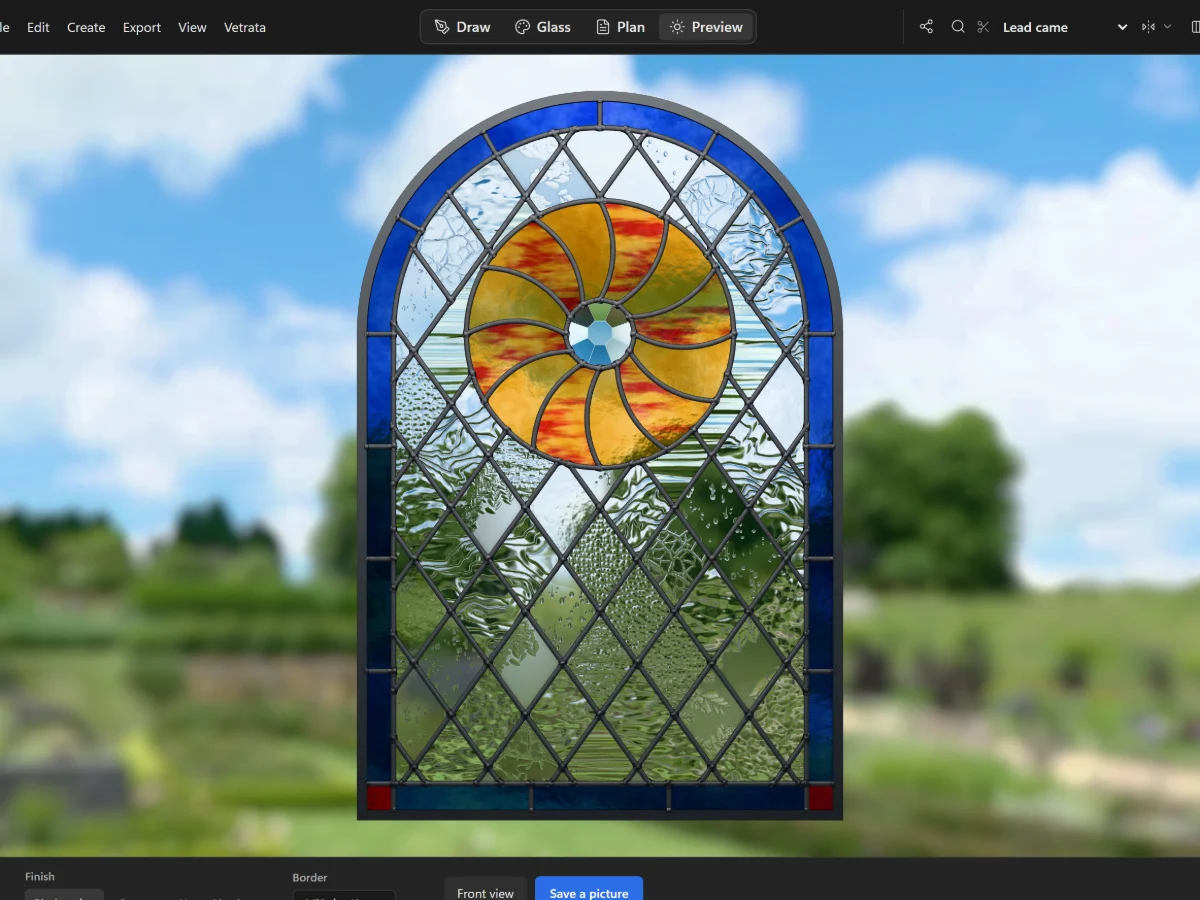 Check your printer with the 100 mm square
More in Plan and print
 Plan and print
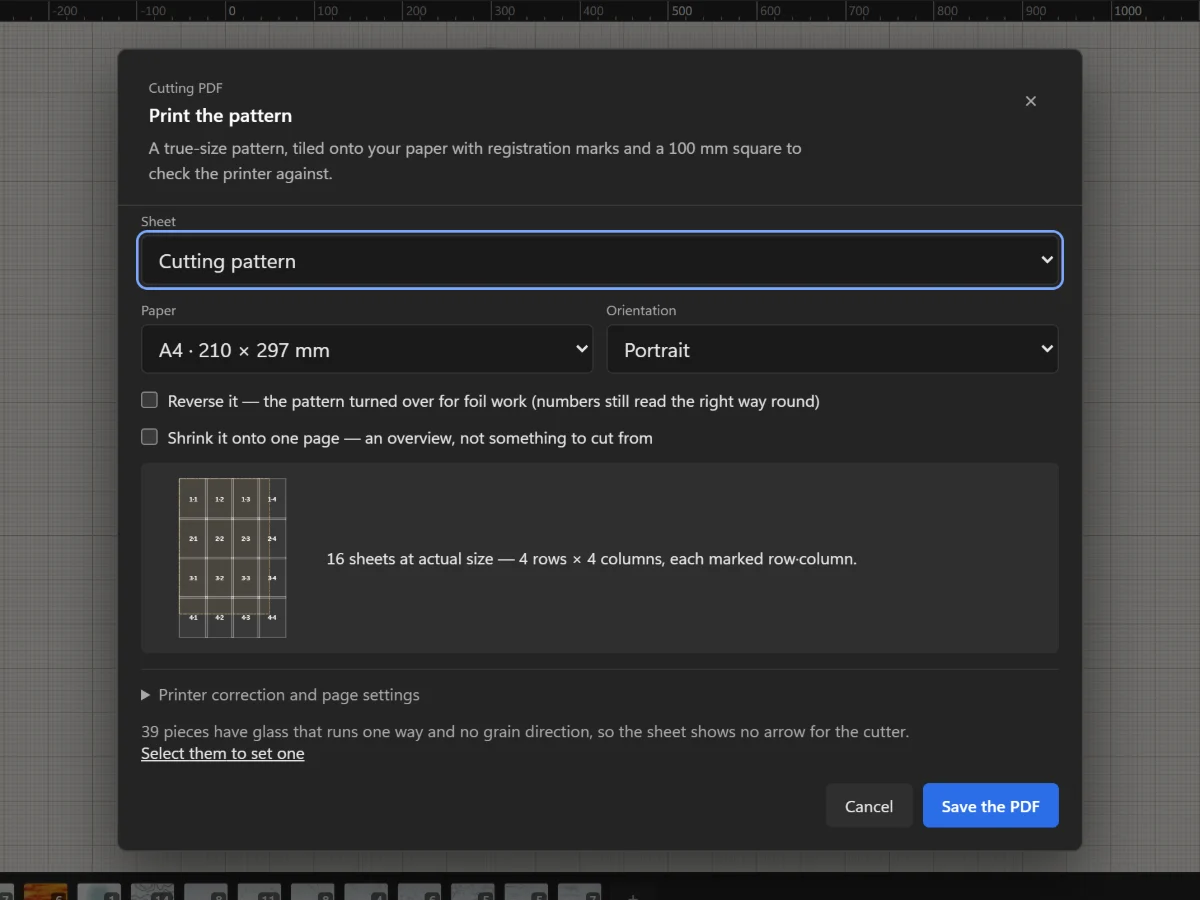
Print the cutting pattern true to scale
Tile the full-size pattern onto A4 or Letter with registration marks and a square to check your printer.
5 steps · 2 min
Plan and print
Print the cutting pattern true to scale
Tile the full-size pattern onto A4 or Letter with registration marks and a square to check your printer.
5 steps · 2 min
 Preview
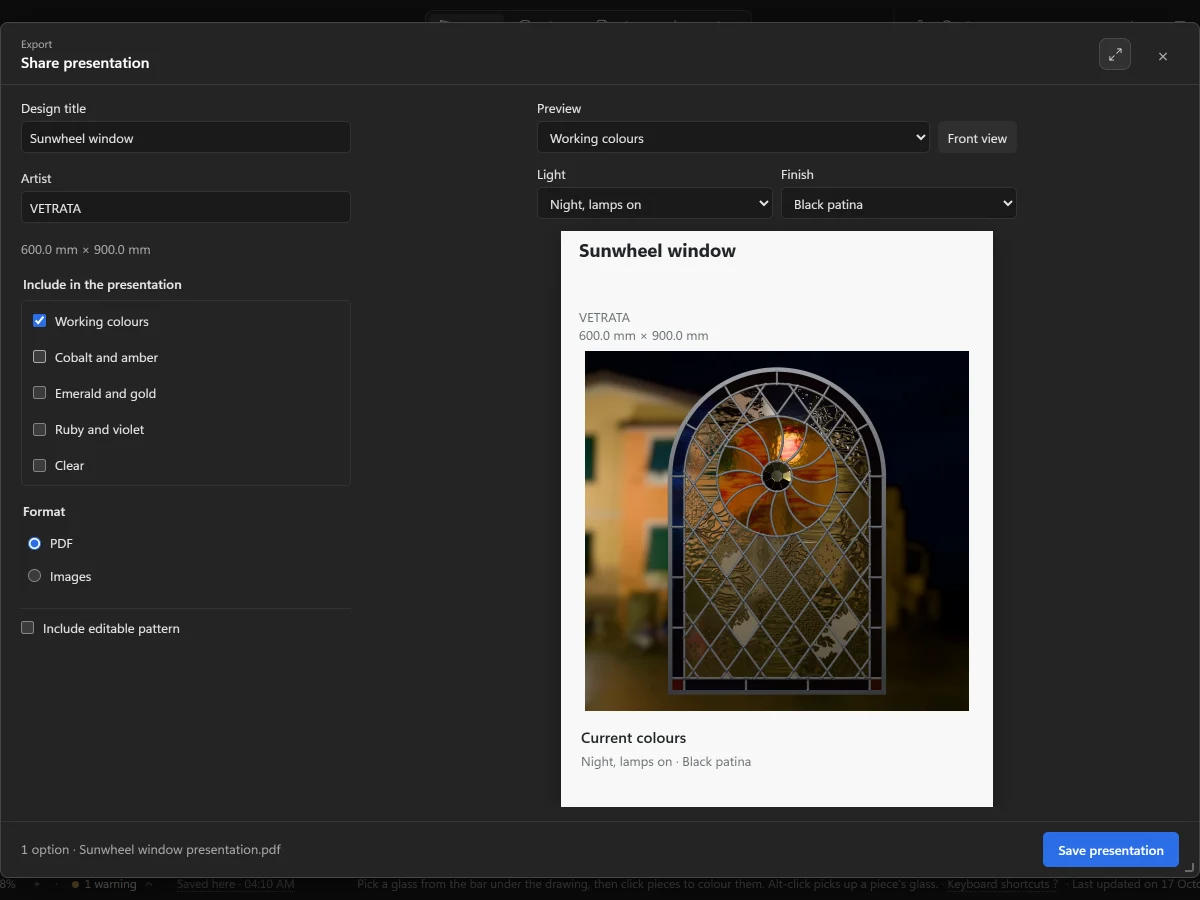
Share a presentation
Make a PDF or a set of pictures of the panel in its colourways, to send to a client.
4 steps · 2 min
Preview
Share a presentation
Make a PDF or a set of pictures of the panel in its colourways, to send to a client.
4 steps · 2 min
 Plan and print
The pattern plan and its colour key
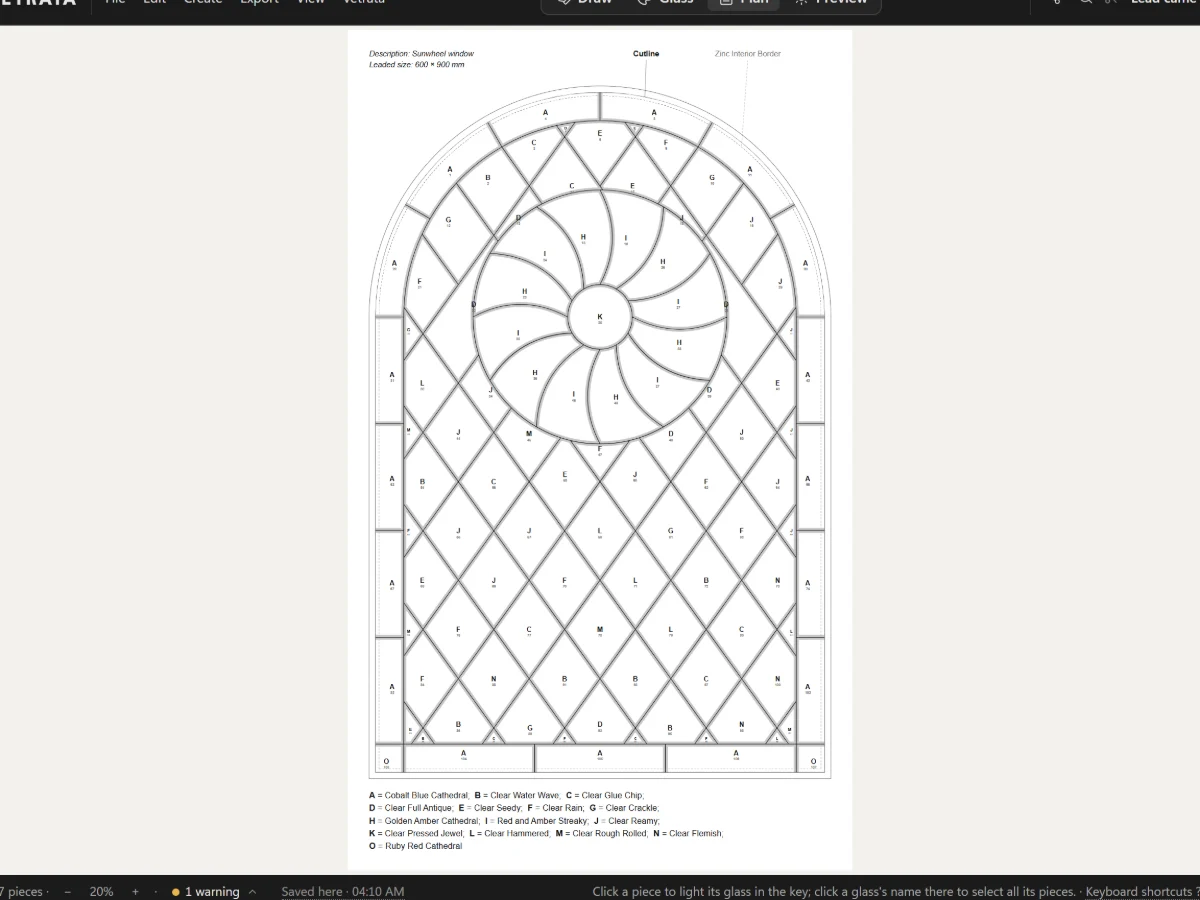
A numbered, lettered plan of the whole panel with its leads at their came's width, ready to print.
5 steps · 2 min
Plan and print
The pattern plan and its colour key
A numbered, lettered plan of the whole panel with its leads at their came's width, ready to print.
5 steps · 2 min