Lesson 3 of 23
Save, open and keep your patterns
Where the Studio keeps your work, how to save a pattern file, and how to step back to an earlier version.
The Studio saves as you work, in your browser. A pattern file is how a pattern travels: to another computer, to a friend, or to the pattern shop.
-
1
It saves as you go
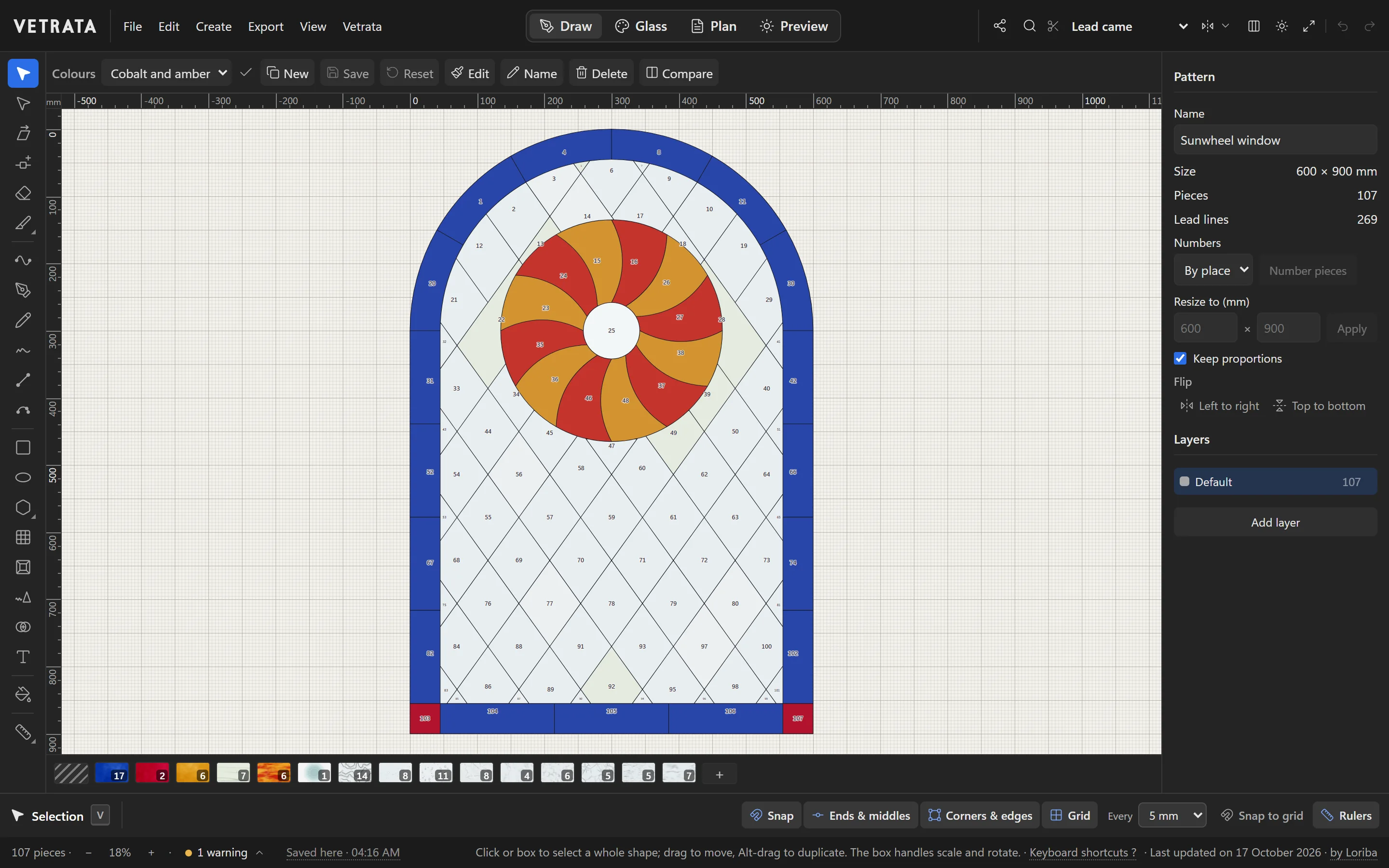
Every change is kept in this browser as you make it, and the status bar says when the pattern was last saved. Close the tab, and the pattern is there when you come back.
-
2
My patterns
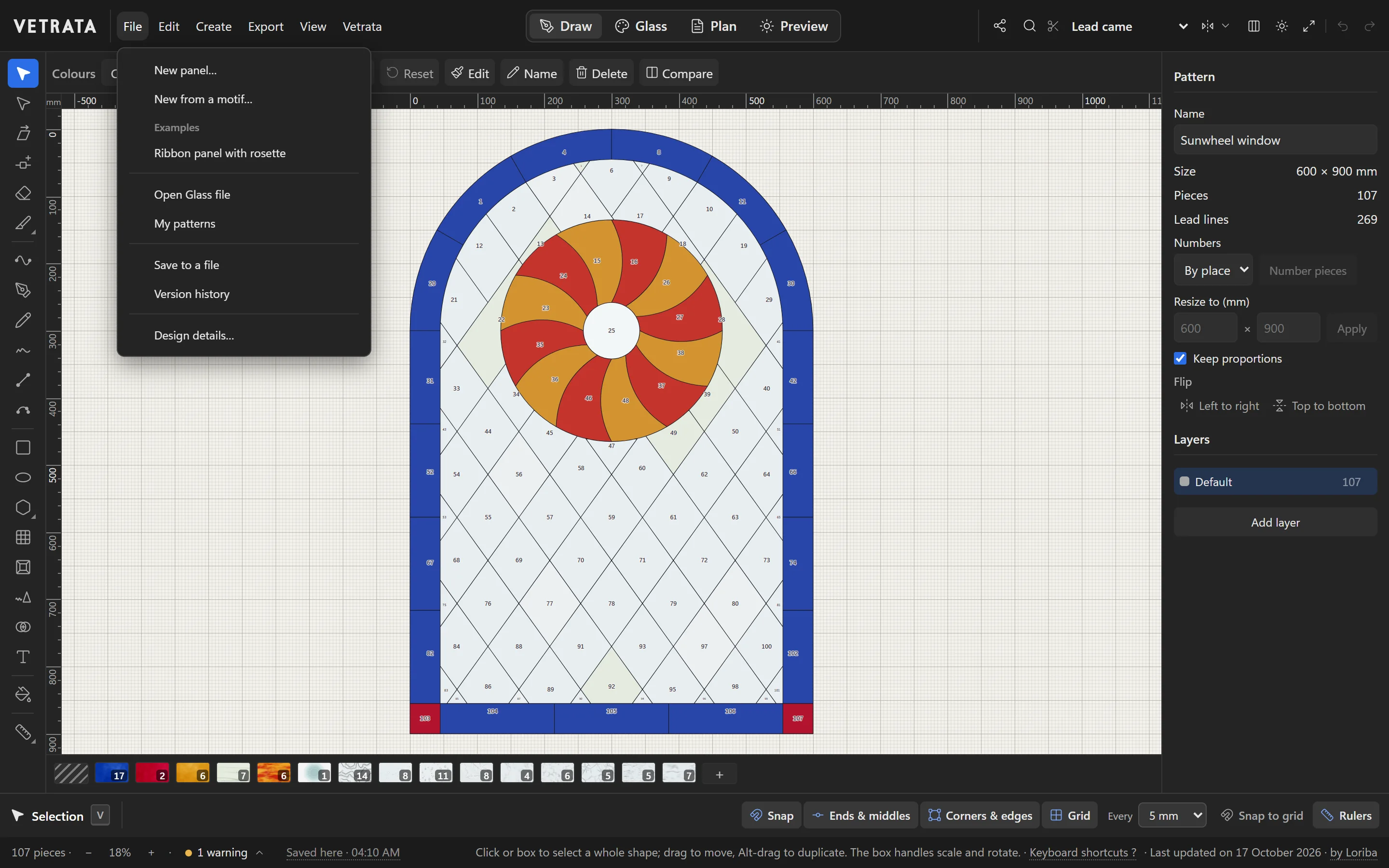
File › My patterns lists every pattern you have worked on in this browser. Open one to carry on where you left off.
-
3
Save to a file
File › Save to a file downloads the pattern as a file you can reopen anywhere. It carries everything: the leads, the glass, your own glasses and your saved colourways.
Keep a copy somewhere safe. A browser's storage can be cleared, and a file is yours for good.
-
4
Open a pattern file
File › Open Glass file opens a pattern file from your computer: one you saved, one somebody sent you, or a pattern from the shop.
-
5
Version history
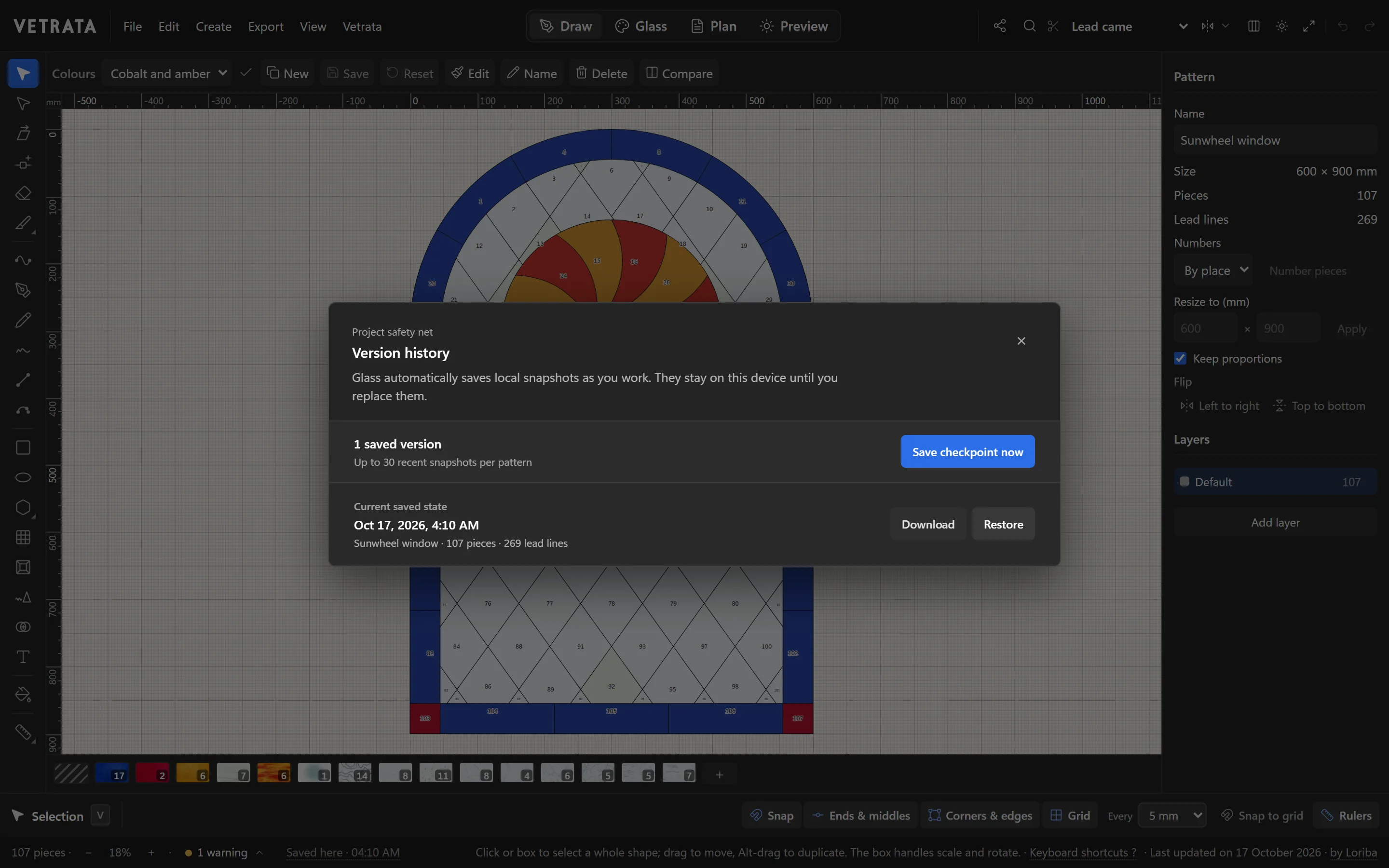
The Studio keeps snapshots of each pattern as you work, up to the thirty most recent. File › Version history lists them: restore one to step back, or download it as a file.
Before a big change, click Save checkpoint now so there is a snapshot to come back to.
-
6
Design details
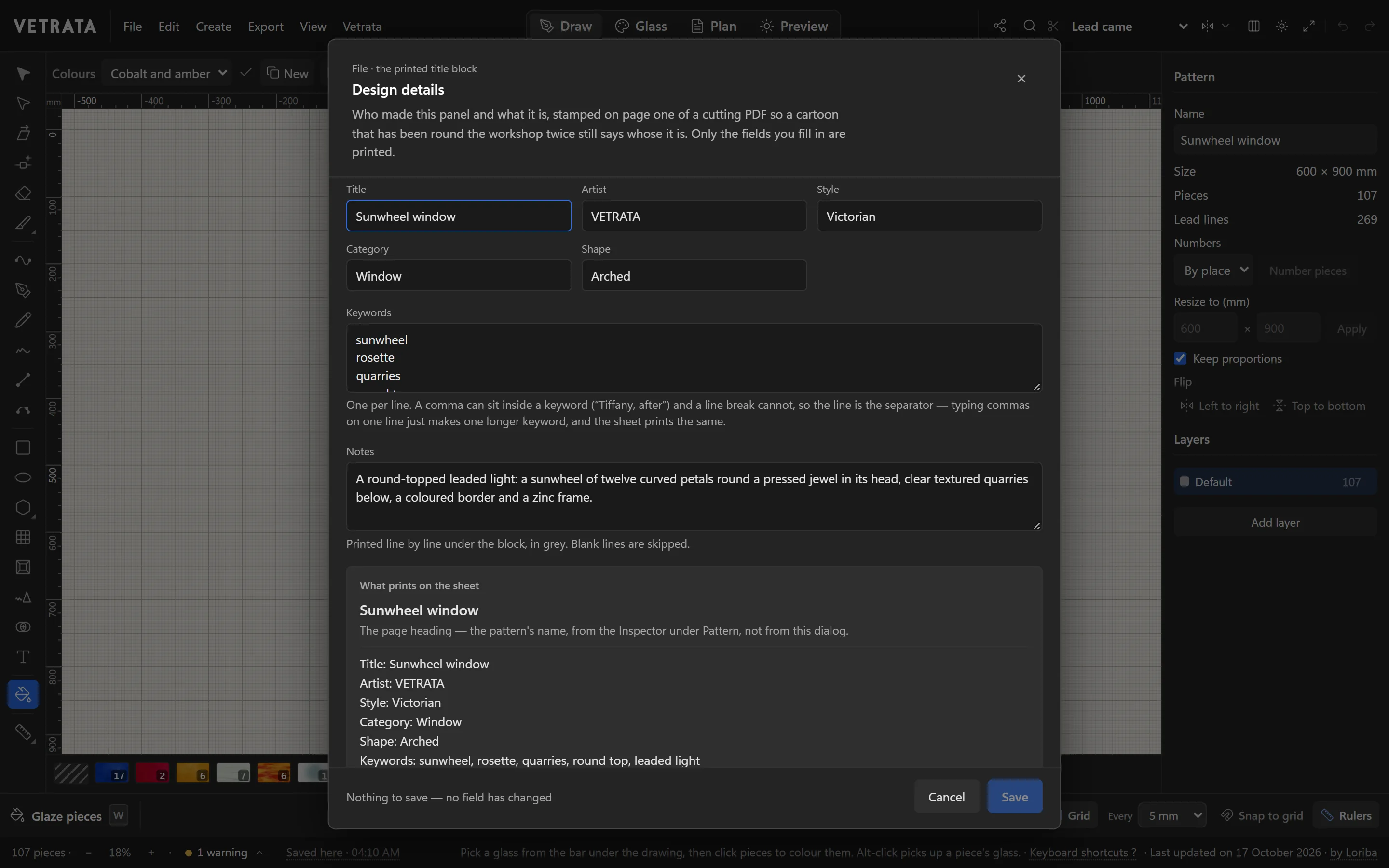
File › Design details… records the pattern's title, artist, style, category, shape, keywords and notes.
They are printed in the title block on page one of the cutting PDF, so a pattern that has been round the workshop twice still says whose it is. Only the fields you fill in are printed.
 Start a new panel
More in Getting started
 Plan and print
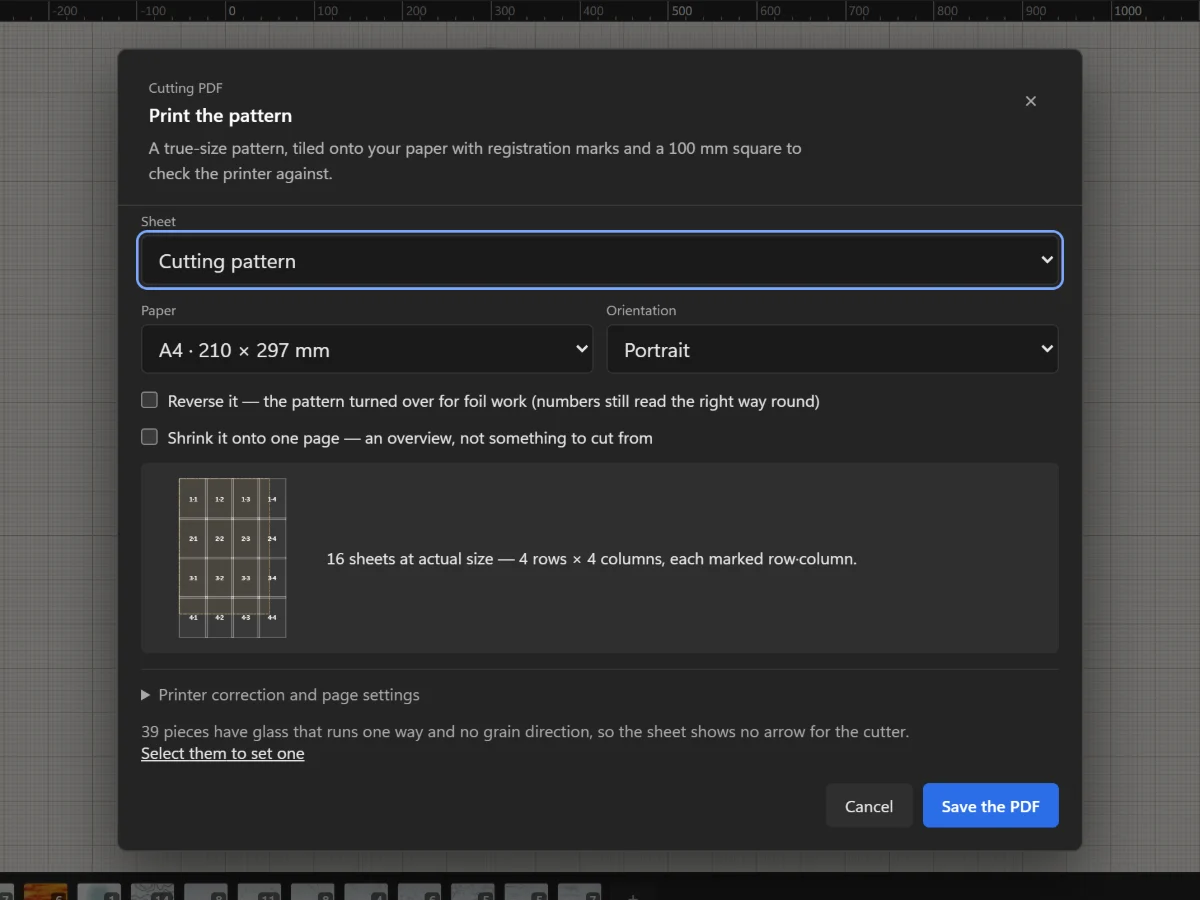
Print the cutting pattern true to scale
Tile the full-size pattern onto A4 or Letter with registration marks and a square to check your printer.
5 steps · 2 min
Plan and print
Print the cutting pattern true to scale
Tile the full-size pattern onto A4 or Letter with registration marks and a square to check your printer.
5 steps · 2 min
 Getting started
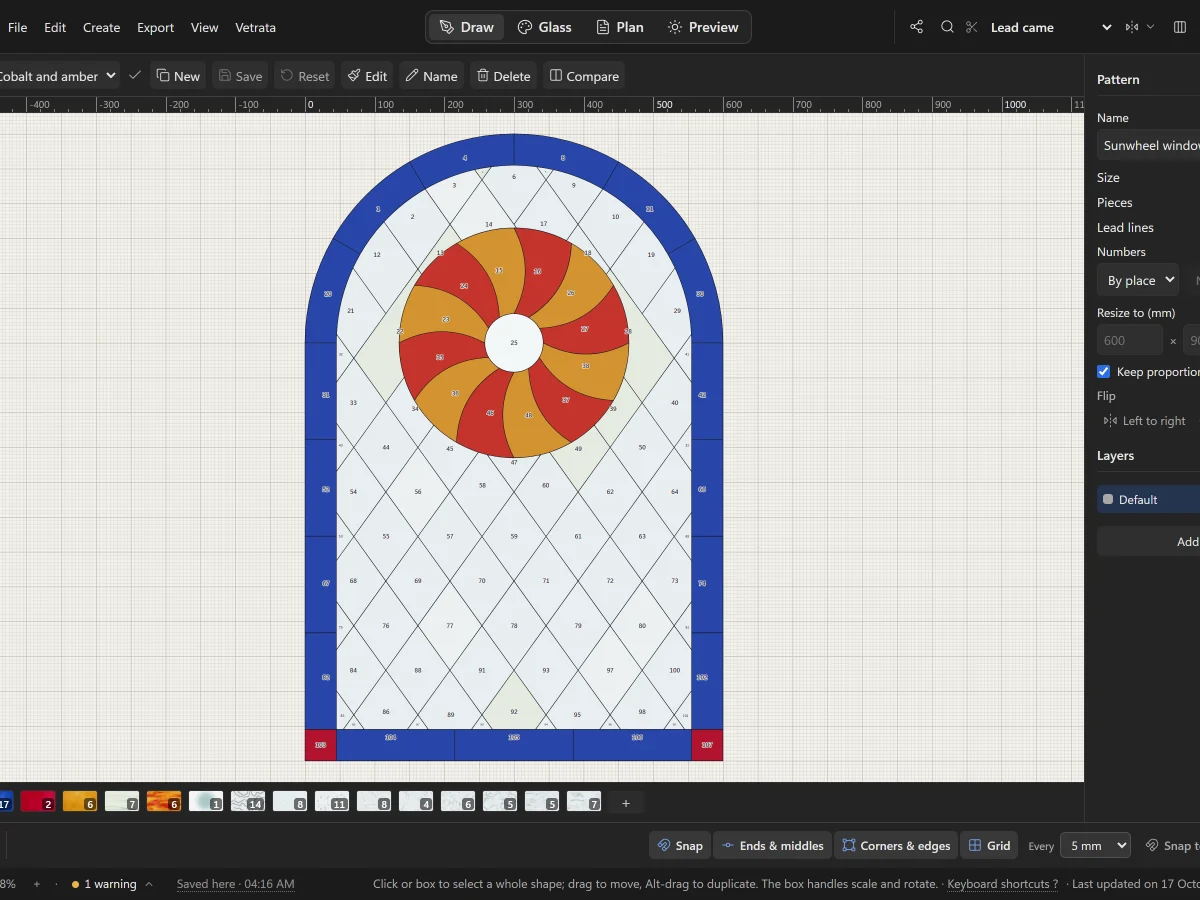
A tour of VETRATA Studio
The four tabs, the menus, the tools and the bars around the drawing: where everything lives.
5 steps · 2 min
Getting started
A tour of VETRATA Studio
The four tabs, the menus, the tools and the bars around the drawing: where everything lives.
5 steps · 2 min