Lesson 9 of 23
Draw it once with the Mirror
Mirror across a line or repeat around a centre, and see the reflected part live while you draw.
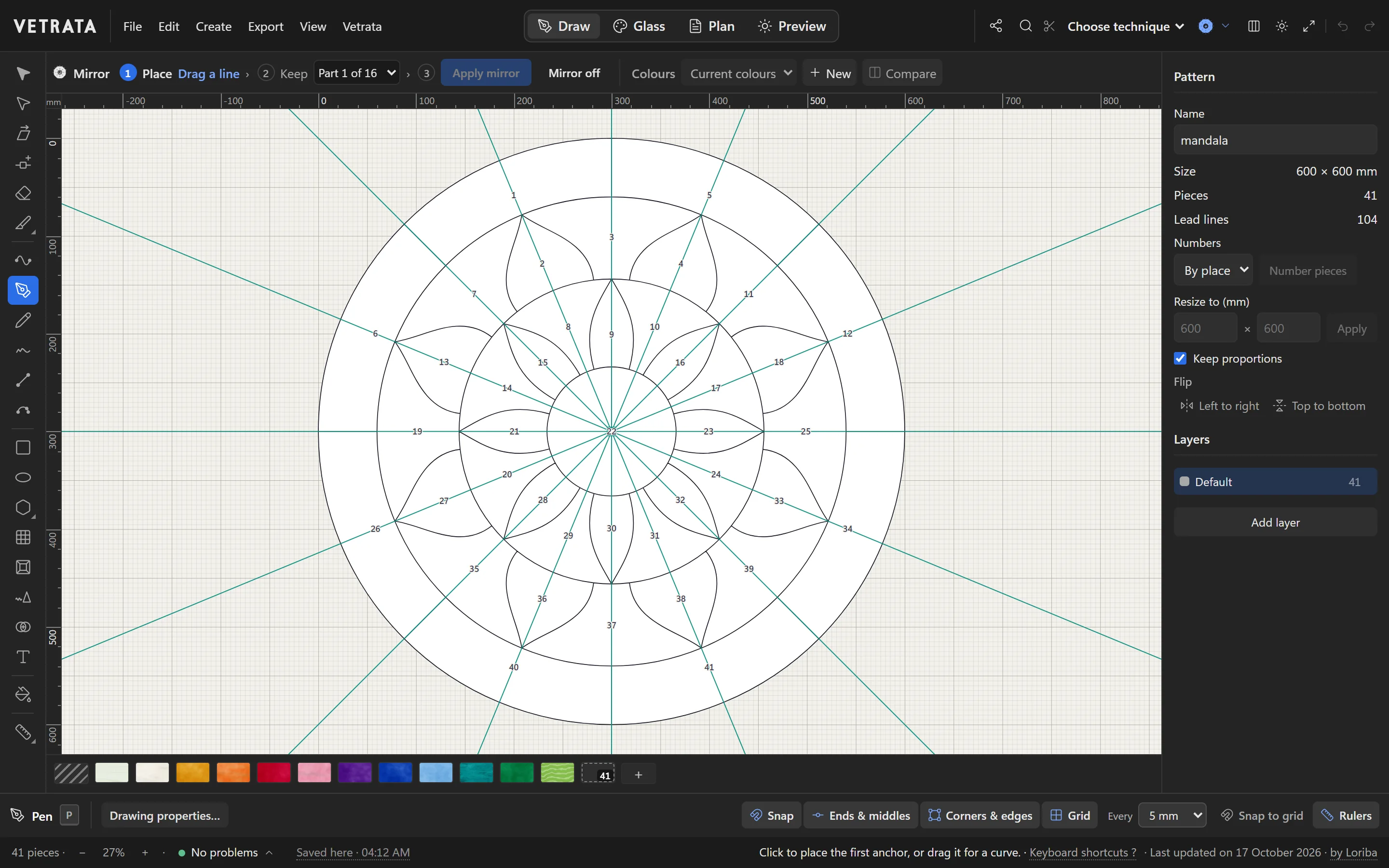
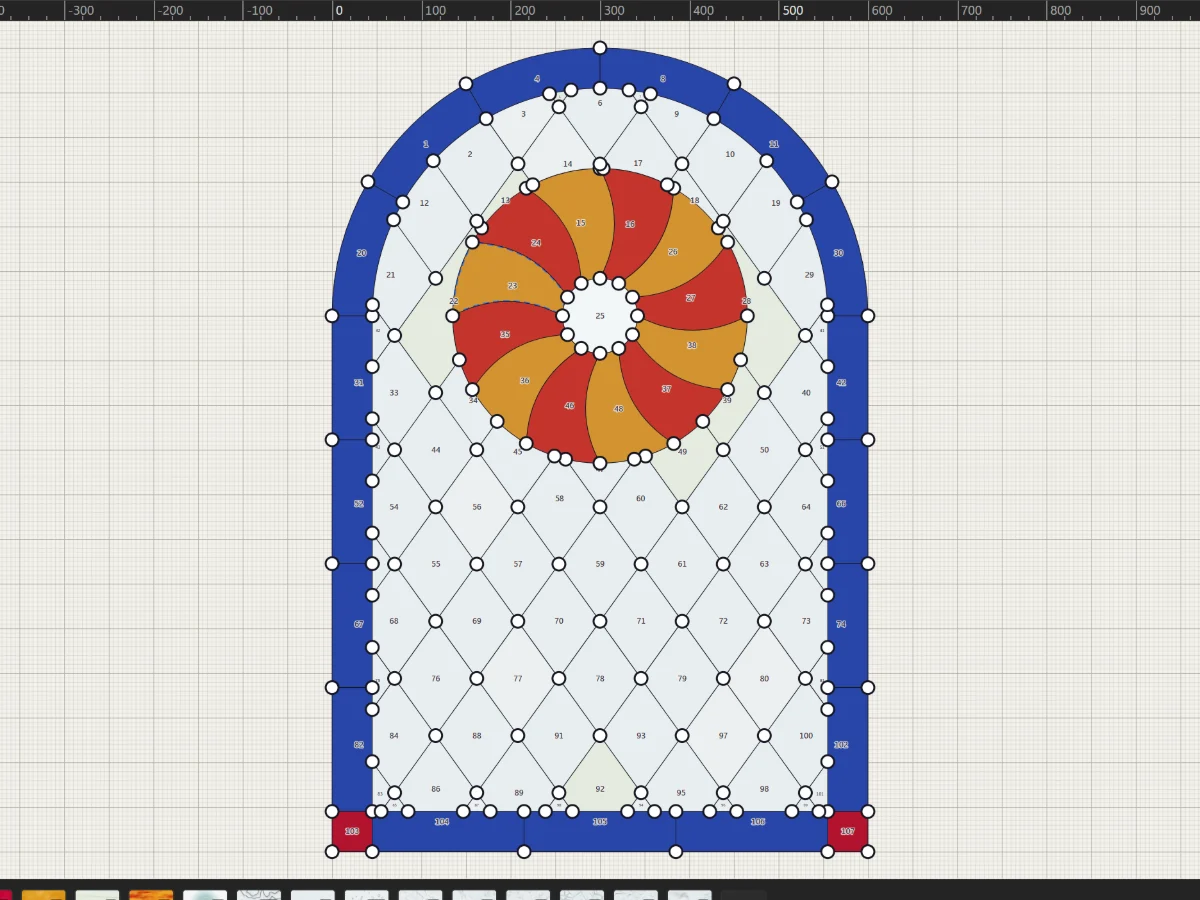
Most windows are symmetrical. Turn the Mirror on, draw one half, or one slice of a rosette, and the rest follows as you draw.
-
1
Turn on the Mirror
Click Mirror at the left of the bar above the drawing. Its steps run along the bar: place the mirror, choose the part to keep, apply.
-
2
Place it
Drag a mirror line, or its centre square, with the Selection tool. For a rosette, set how many times around: the bar shows which part you are in, such as Part 1 of 16.
Everything beyond the line is replaced by the reflection of the part you keep.
-
3
Draw in one part
Draw as you always do. The reflected copies appear as you draw, so you see the whole design while drawing only part of it.
-
4
Apply it
Apply mirror makes the drawing what the canvas shows: the kept part and its reflection, joined where they meet. The glass in the kept part is mirrored too, and it is one undo step.
-
5
Turn it off
Mirror off turns the mirror off and leaves the drawing as it is. A pattern saved with its mirror on, like this mandala, opens with it on again.
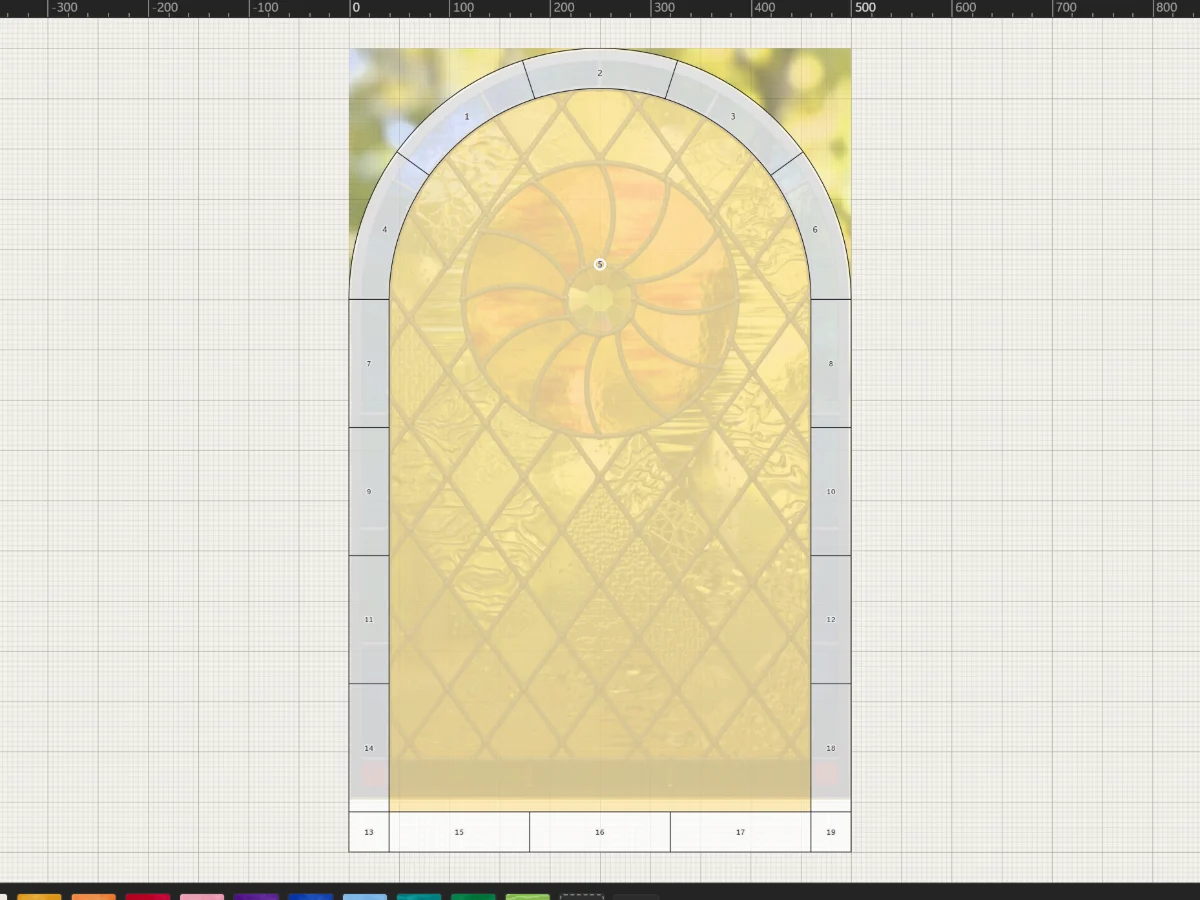 Split, cut and join pieces
More in Draw
 Draw
Shapes, grids and radial designs
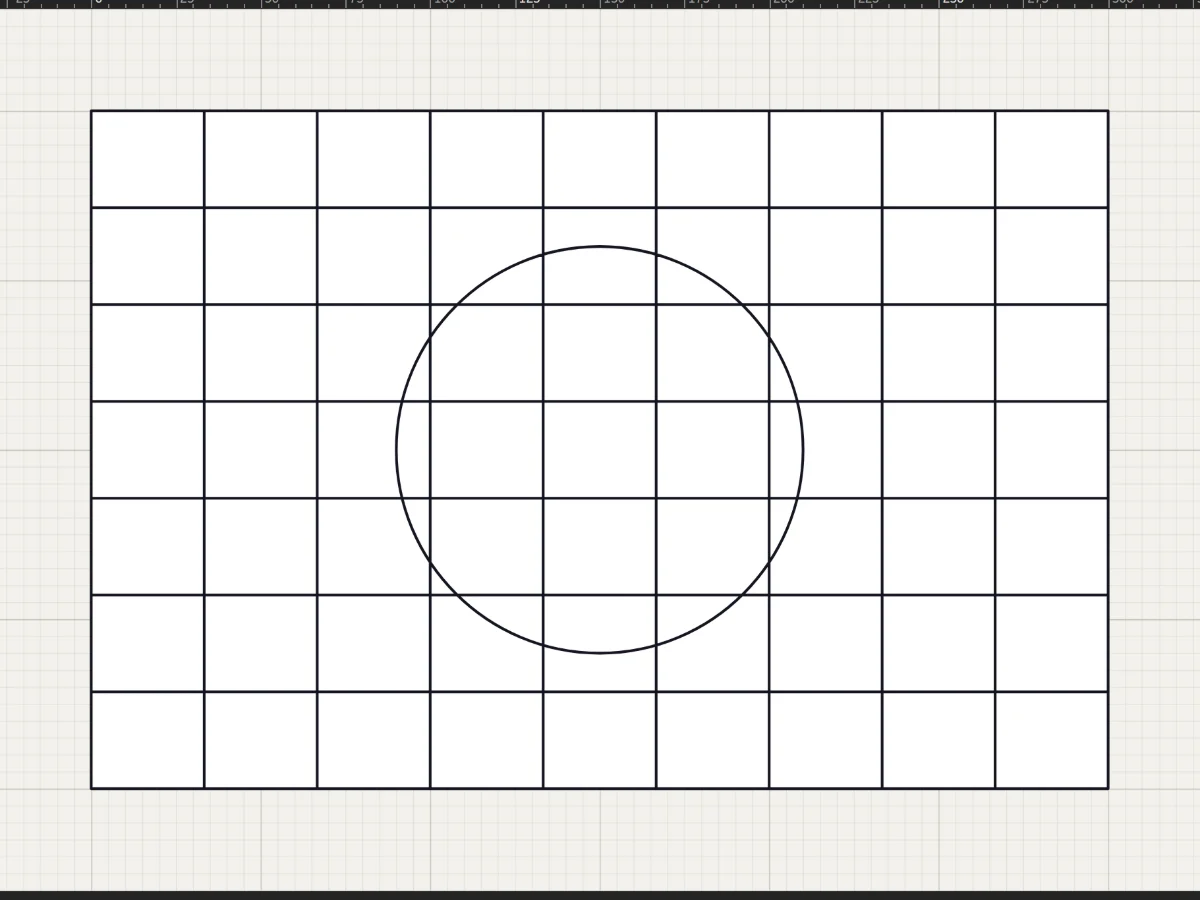
Rectangles, circles, stars, rosettes and quarry grids in a few drags, each one cut into the leadwork.
5 steps · 2 min · Try it in the page
Draw
Shapes, grids and radial designs
Rectangles, circles, stars, rosettes and quarry grids in a few drags, each one cut into the leadwork.
5 steps · 2 min · Try it in the page
 Draw
Draw lead lines
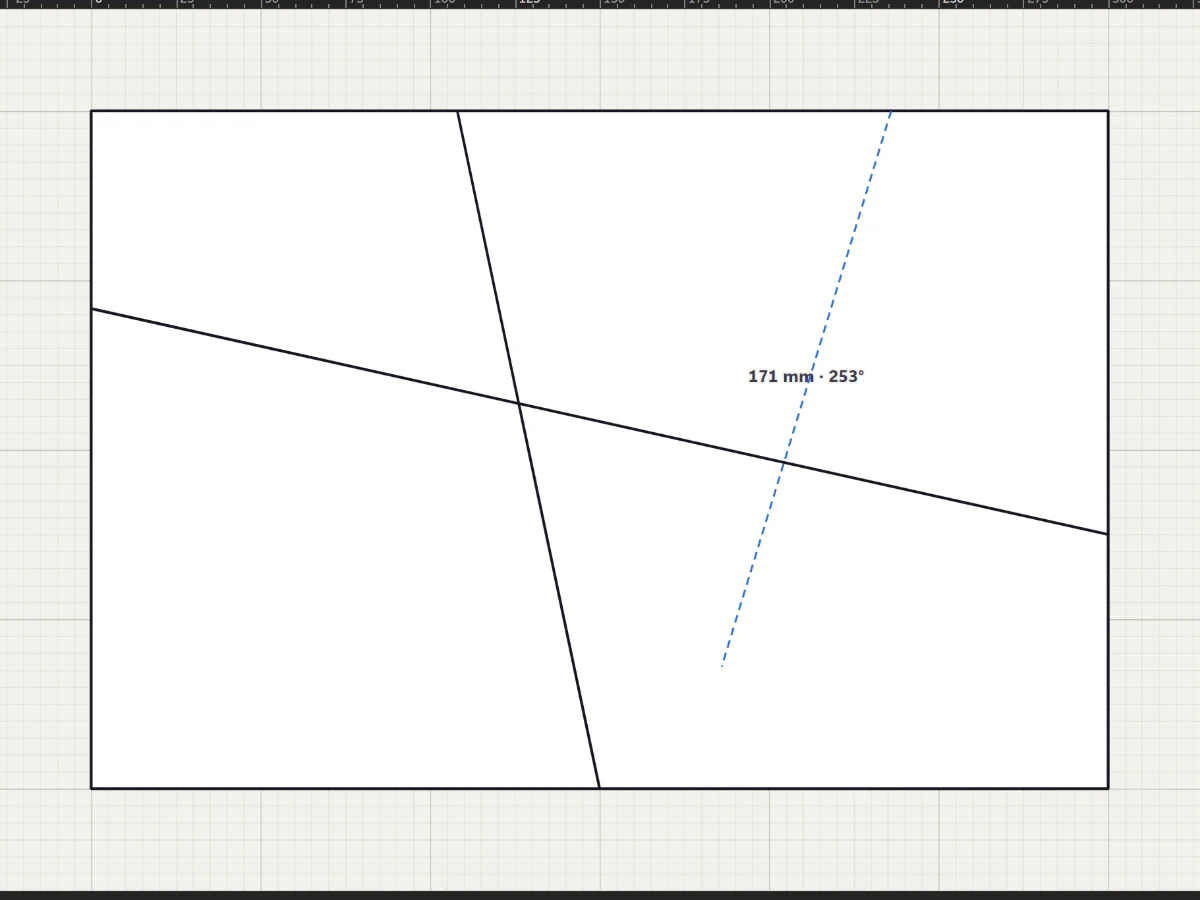
Straight leads with the Line tool, curves with the Pen and Curve tools, and freehand strokes that come out clean.
5 steps · 2 min · Try it in the page
Draw
Draw lead lines
Straight leads with the Line tool, curves with the Pen and Curve tools, and freehand strokes that come out clean.
5 steps · 2 min · Try it in the page
 Draw
Select, move and reshape
Move whole shapes, bend leads, drag anchors and round corners with the two selection tools.
5 steps · 2 min
Draw
Select, move and reshape
Move whole shapes, bend leads, drag anchors and round corners with the two selection tools.
5 steps · 2 min