Lesson 22 of 23
See your panel in light
Hold the window up to a summer garden, a blue sky or a night street, in the came and finish you will use.
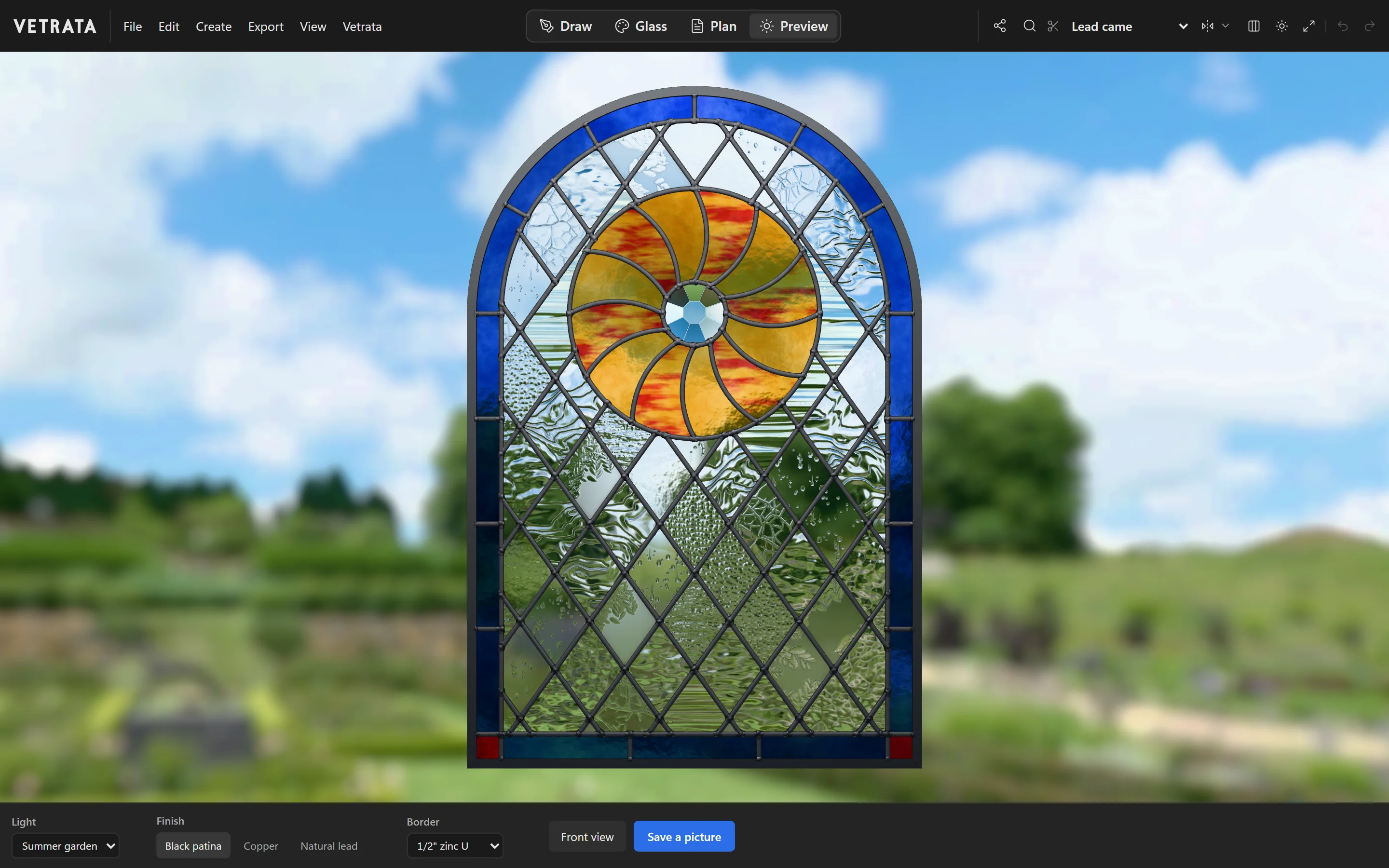
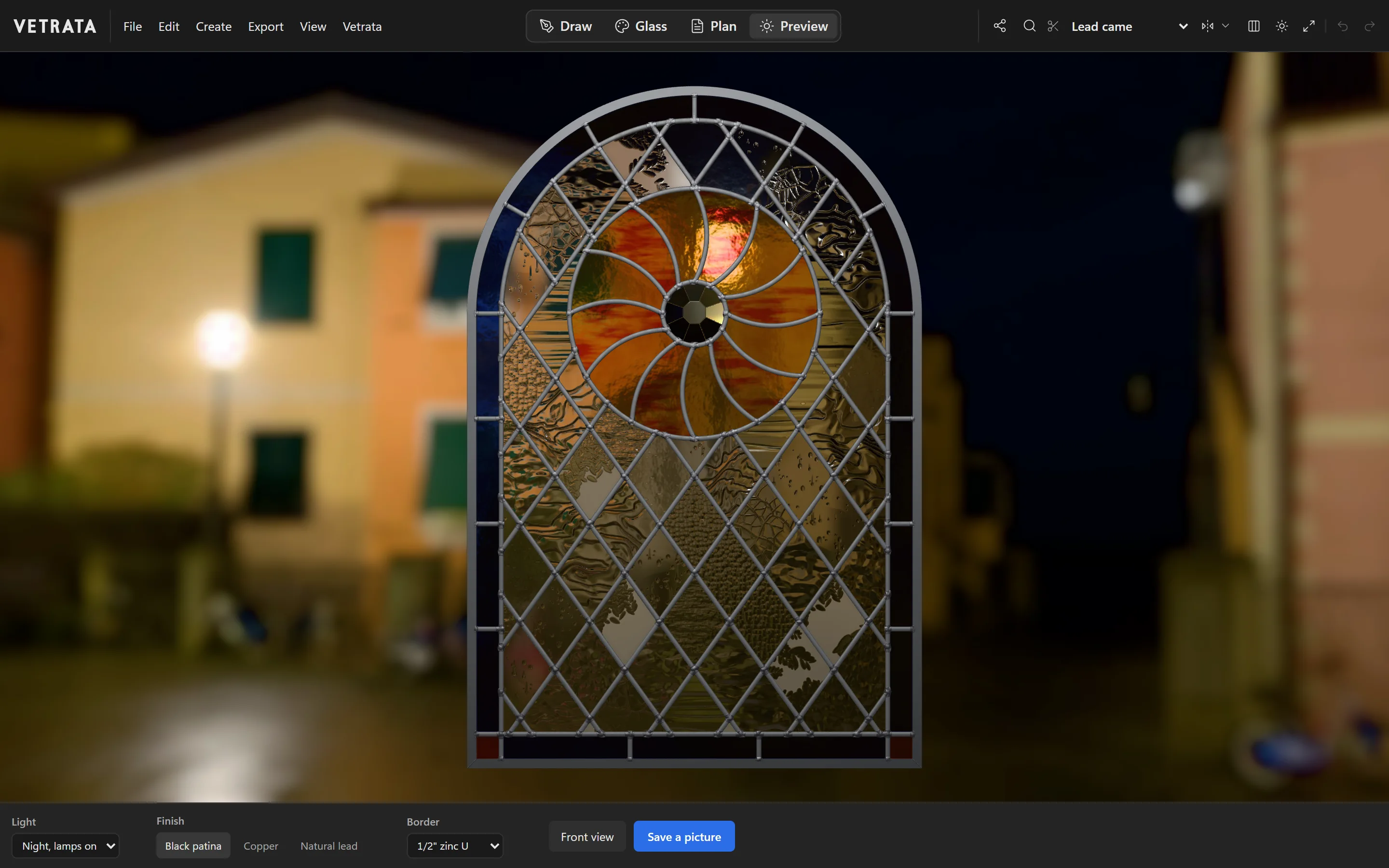
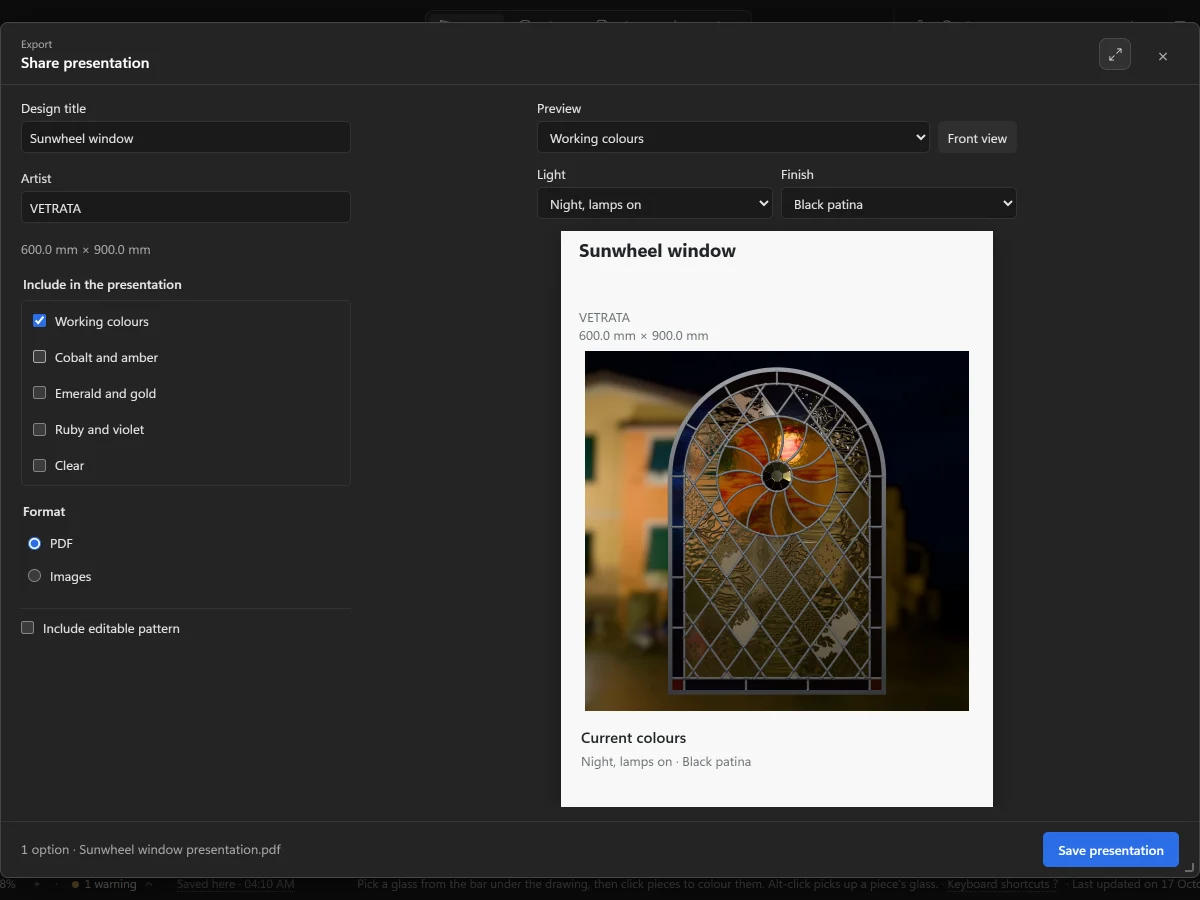
Glass looks nothing like its swatch until light comes through it. The Preview shows the finished panel in a real place, with its leads, solder and frame.
-
1
Open the Preview
Click Preview. The panel is shown in its window, lit from behind.
-
2
Choose the light
Under Light, choose where the window hangs: from a summer garden or a blue sky to the night, with the lamps on inside.
-
3
Finish and border
Finish sets the metal: black patina, copper or natural lead. Border sets the came round the outside.
-
4
Look closer
Drag to turn the panel and see the light change across it, and zoom in to the glass. Front view puts it straight again.
-
5
Save a picture
Save a picture keeps the view as an image, for a client or for yourself.
Try it
Now do it, with the Studio's own engine
- Glaze three pieces
- Hold it up to the light
 SVG, DXF and pieces for a CNC or laser